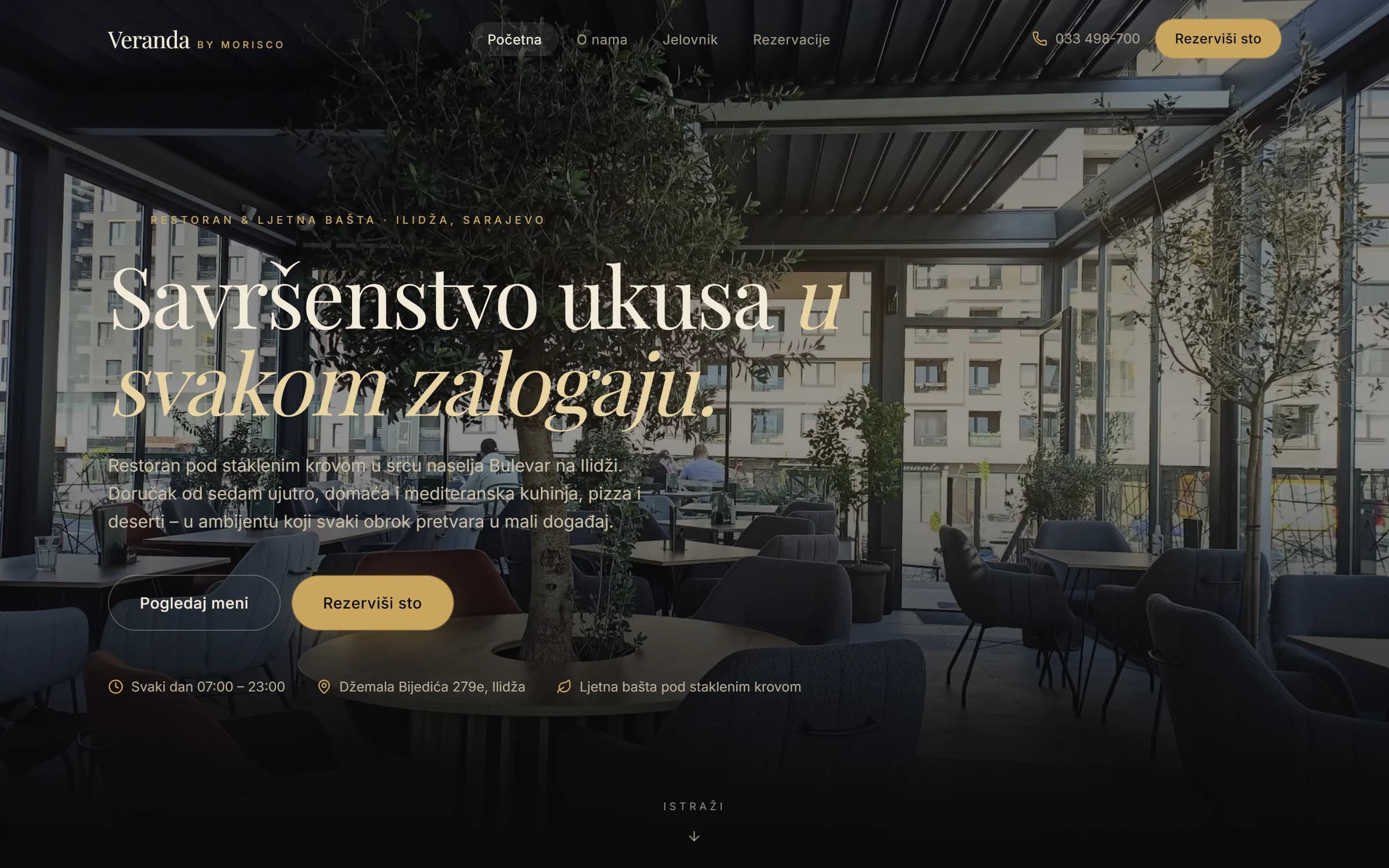
Website · Veranda by Morisco, Ilidža
All servicesUI/UX design
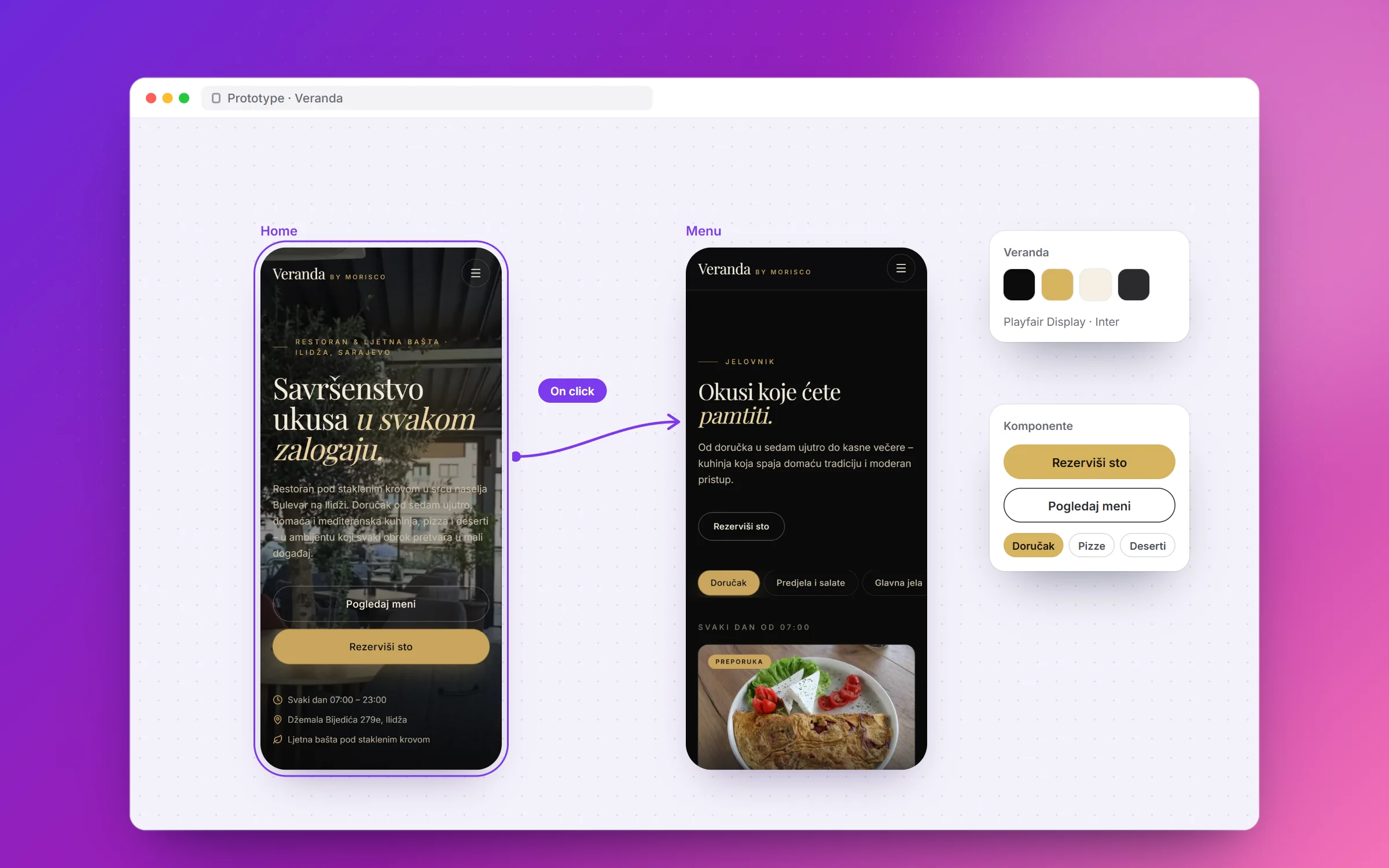
Service
UI/UX design
you can test before
the first line of code.
We design interfaces for web applications, SaaS products and websites. You get a clickable prototype first, and development starts only after that.
- Who it's for
- Teams that want to validate an idea before building it
- Technologies
- Figma
- After launch
- Design handoff and support during development
Who it's for
You don't know how people will use the system
Show the prototype to the people who will use it and see where they get stuck.
Your current app is hard to use
We go through the main flows and propose simpler screens, step by step.
Your team builds, but needs design
You get Figma files and a design system your developers can work from.
What you get
- User flow analysis
- Wireframes of the main screens
- Clickable prototype in Figma
- Design for desktop and mobile
- Design system: color, type, components
- User testing
- Handoff to development with a spec
How we work
01
Intro call
Who the users are and which tasks they need to complete.
02
Flows and wireframes
Every step sketched out before visual design starts.
03
Prototype and test
We test the clickable prototype with users and fix the places where they get stuck.
04
Design system and handoff
Final screens, components and a spec for development.
Related work
Questions
What is a clickable prototype?
A Figma design you can click through like a real app. No code, but the real flow.
Can another team build from the design?
Yes. The Figma files and design system are yours and ready for any team.
How long does design take?
It depends on the number of screens and flows. The deadline for each phase is in the quote.
Have a project
in mind?
The intro call takes 30 minutes and is free. After it, you get a fixed quote split into phases.