SEO for your website: a practical guide from technical setup to content
How Google finds and ranks pages, what technical SEO covers, how to measure Core Web Vitals, write for search intent and set up a multilingual site.
- Published
- Reading time
- 9 min read
- Category
- SEO

SEO (search engine optimization) is the work of making a website easy for search engines to understand and useful for the people searching. It isn't about tricking an algorithm. The goal is for Google to find, understand and show your page when someone looks for what you offer.
This guide explains how search works and what decides whether people find you. We start with the technical setup, then cover speed, content, multiple languages, structured data and measurement. At the end there is a checklist you can run through for your own site.
How search works
Google describes search in three stages. The first is crawling: programs called crawlers follow links and discover new and updated pages. The second is indexing: Google analyzes a page's text, images and structure and stores it in its index. The third is serving results: when someone searches, Google picks the pages from its index that best match the query.
That leads to an important rule. A page that isn't in the index can't appear in results, no matter how good the text is. This is why SEO always starts with a technical review. In its How Search works documentation, Google also states that it doesn't accept payment to rank pages higher in organic results.
The technical foundation
Technical SEO makes sure a crawler can reach a page, read it and tell which URL is the main one. Visitors never see this work, but without it your content never reaches search.
Indexing and robots.txt
The robots.txt file tells crawlers which parts of a site they may visit. It isn't a way to keep a page out of search results. For that you use a noindex rule in a meta tag or an HTTP header.
A common mistake happens at launch. The staging site has noindex set, and it stays on in production. The site is live, but search can't see it. The page indexing report in Google Search Console shows these errors and gives the reason for each URL.
Sitemap and canonical tags
An XML sitemap is a list of the URLs you want indexed. You submit it in Search Console, and it helps Google find new pages faster. It should only contain URLs that work and aren't blocked.
The same page is often reachable at several URLs: with and without "www", with tracking parameters, or with a trailing slash. A canonical tag says which URL is the main one. That way signals aren't split across several versions of the same page.
Mobile, HTTPS and JavaScript
Google indexes the mobile version of a site. If text that exists on desktop is missing on mobile, that text effectively doesn't exist for search. Your site should run on HTTPS and redirect old HTTP addresses correctly.
Google can run JavaScript, but content that arrives in the HTML from the server is more reliable. For sites where search matters, we use server-side rendering or pre-built pages.
Speed and Core Web Vitals
Core Web Vitals are three Google metrics for user experience. They measure loading speed, responsiveness to input and visual stability. According to web.dev, these values count as good:
- LCP (Largest Contentful Paint): the largest visible element appears in 2.5 seconds or less;
- INP (Interaction to Next Paint): the page responds to a click or input in 200 milliseconds or less;
- CLS (Cumulative Layout Shift): layout shift of 0.1 or less.
The thresholds apply at the 75th percentile of page loads, separately for mobile and desktop. INP replaced the earlier FID metric in 2024. Data from real visits is available in PageSpeed Insights and in the Core Web Vitals report in Search Console.
Slow pages usually have the same causes:
- oversized images without a modern format (WebP or AVIF) and without set dimensions;
- fonts that block text from rendering;
- too many third-party scripts, such as chat widgets, ads and tracking;
- a slow server response and pages rebuilt on every request without caching.
Speed is one signal among many. A slow page with excellent content can still rank well. A faster page keeps more visitors, though, so the fix almost always pays off.
Content and search intent
Every search has an intent. Some people want information ("what is SaaS"), some look for a specific site, and some want to buy or get in touch ("custom web app development London"). A page should match the intent behind a query, not just contain its words.
That's why we plan content by topic. One page covers one topic and one main intent. Each service gets its own page, and the questions people ask before buying go into articles or an FAQ.
Where keywords come from
We don't invent keywords at a desk. We start with the queries that already bring visits in Search Console, with suggestions in search itself, and with the words customers use to describe their problem in meetings. Keyword tools give a rough idea of search volume.
Google recommends content written for people first. Repeating the same phrase in every sentence doesn't help. Google's spam policies call this keyword stuffing.
Titles, meta descriptions and structure
The title element is the most important text in a search result. It should be unique for each page, short and descriptive, with the topic up front. Google sometimes rewrites it if it doesn't match the page.
The meta description doesn't directly affect rankings. Google may show it under the title, so a good description earns more clicks. Use one H1 per page and logical H2 and H3 subheadings. Images need descriptive alt text, and URLs should use short words instead of numbers.
Multiple languages and markets
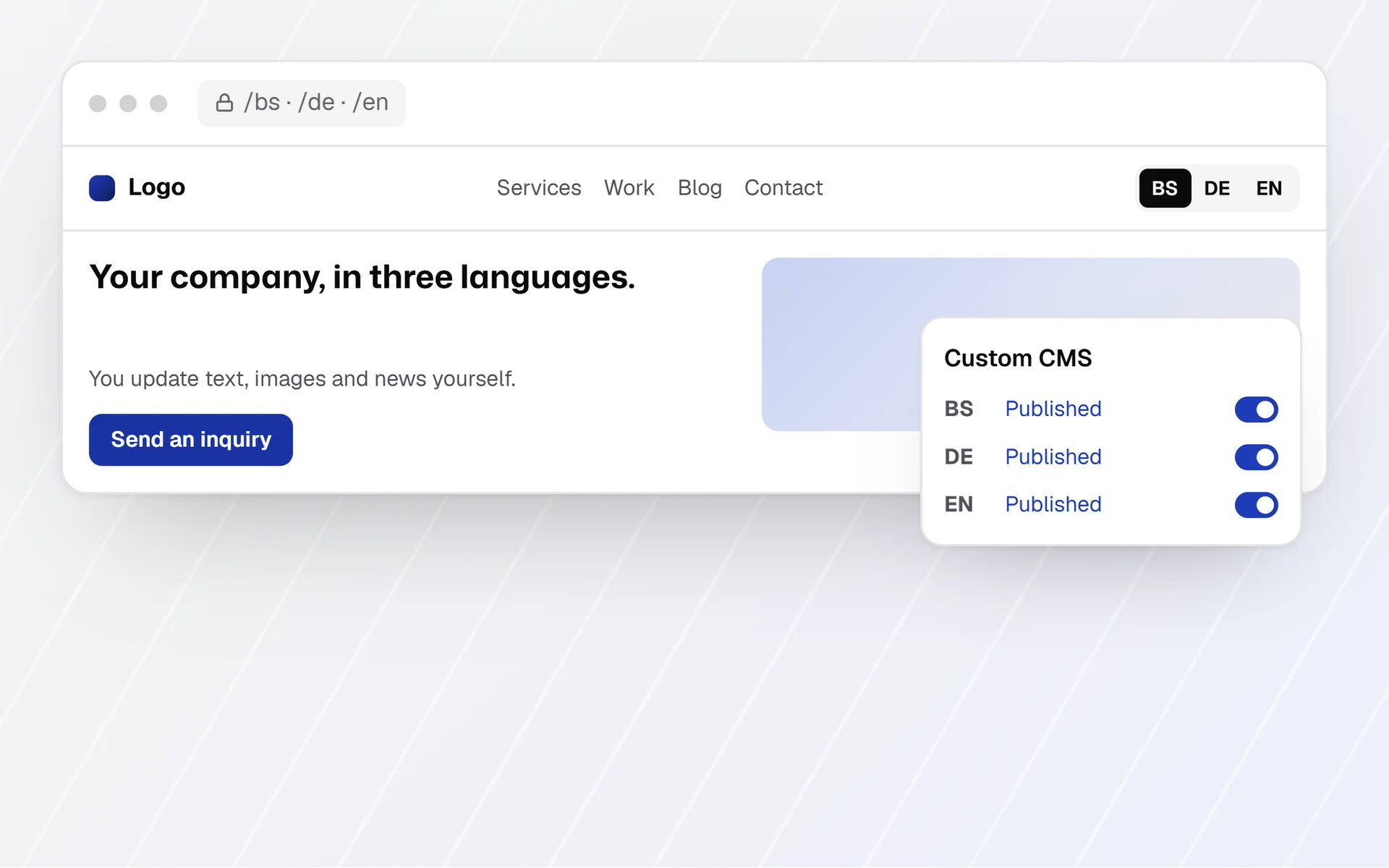
Many companies serve several markets, for example the DACH region and the Balkans. Each language then needs its own URL, such as /en/, /de/ and /bs/. The language shouldn't depend only on a cookie or an automatic redirect, because crawlers need to reach every version.
Hreflang annotations tell Google which pages cover the same topic in another language. According to Google's guide to localized versions, each version must list itself and all the others. If two pages don't point to each other, the annotations are ignored. For a language selector or a homepage that redirects, there is the x-default value.
A translation should be a localization. Customers in Austria, Germany and Switzerland sometimes search with different words. For local services, your Google Business Profile matters too, with the same name, address and phone number as on your site.
Structured data
Structured data describes a page in the schema.org format, usually as JSON-LD. It tells search engines what is on the page: a business, an article, a product or the path to the page. Google can use it to show richer results.
The markup has to match what visitors see. It doesn't guarantee a special appearance, and Google changes which types it shows. FAQ results were limited to a small number of official sites in 2023 and removed from search in 2026. We therefore add structured data for the types Google actually uses and check it with the Rich Results Test.
Links
Internal links guide visitors and crawlers through your site. Important pages need links from other pages, with descriptive link text instead of "click here".
Links from other sites are still a signal of trust. Buying links to improve rankings violates Google's spam policies and can lead to a penalty. What works over time are links that happen on their own: useful guides, data that others cite, partners and industry associations.
Measuring in Search Console
Google Search Console is free and the main source of data for SEO. In it you can see:
- clicks, impressions, CTR and average position per query and per page;
- which pages are indexed, which aren't and why;
- the Core Web Vitals report for mobile and desktop;
- the status of a single URL with the URL Inspection tool.
Alongside Search Console, measure what visitors do on your site: inquiries, calls and sign-ups. Only then do you know whether search traffic brings in business. For visitors from the EU, choose analytics that comply with the GDPR. Content results don't appear overnight, because Google recrawls pages and evaluates them over time.
AI search and SEO
Alongside regular results, Google now shows AI-generated answers such as AI Overviews and AI Mode. In its documentation on AI features, Google says there are no additional requirements and no special optimizations needed for them. A page has to be indexed and eligible to be shown with a text snippet.
The same fundamentals therefore apply to AI search: a reachable page, important content in text form, internal links and structured data that matches the page.
Common mistakes
- noindex left over from the staging site;
- robots.txt blocks CSS and JavaScript, so Google can't see the page the way a visitor does;
- the same title and meta description on every page;
- important text only inside an image or a PDF;
- changed URLs without 301 redirects from old to new;
- language versions without reciprocal hreflang annotations;
- a single page trying to rank for every service at once;
- bought links and text stuffed with keywords.
Checklist
- Review the page indexing report in Search Console and the reasons pages aren't indexed.
- Submit an XML sitemap and check that it only lists valid URLs.
- Remove noindex and robots.txt blocks from pages that should appear in search.
- Add canonical tags to pages that have several URLs.
- Measure LCP, INP and CLS for mobile in PageSpeed Insights.
- Compress images and switch to WebP or AVIF.
- Give every page a unique title, a meta description and one H1.
- Create a separate page for each service, with one main topic.
- For multiple languages, set up separate URLs and reciprocal hreflang annotations.
- Track inquiries and calls, not just visits.
How we approach SEO
We start with an audit of the technical setup, speed and content. You get a list of issues ranked by impact. We make the fixes in phases: first whatever blocks indexing, then speed, then content. After each phase, we track the data in Search Console.
In its guide to hiring an SEO, Google advises caution with anyone who promises the top spot in search results.
No one can guarantee a #1 ranking on Google.
Our job is a technically sound site, content that answers your customers' real questions, and measurement that shows what changed. You can read more on our SEO service page. If you're planning a new site, technical SEO is part of our website development from day one. For an audit of your site, send us an inquiry.