When is a custom web app worth it instead of Excel?
The signs that Excel is no longer enough, what a custom web app gives you, when a shared spreadsheet will do, and how to start with a single module.
- Published
- Reading time
- 6 min read
- Category
- Web applications
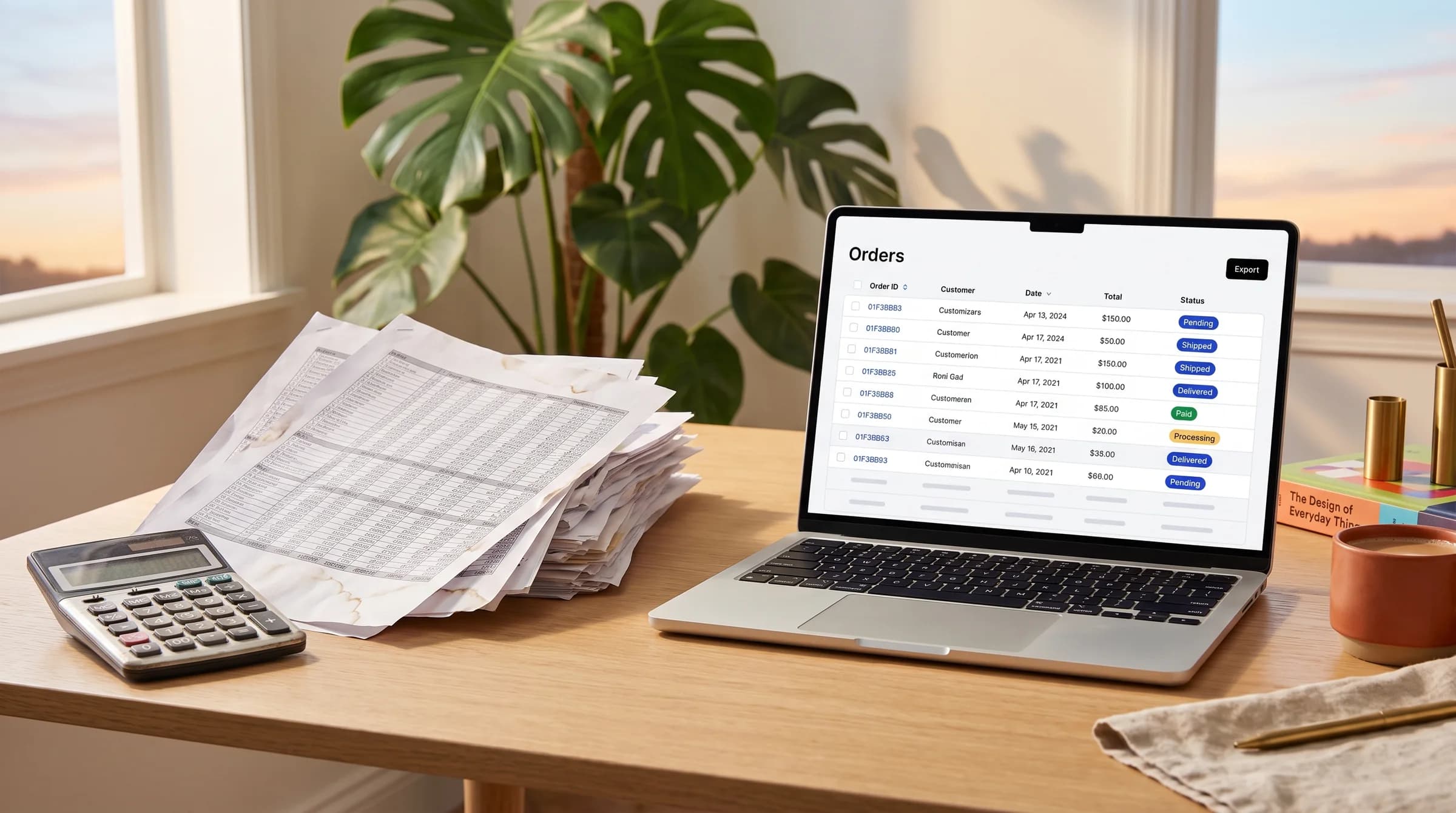
For many companies, Excel is the first business system. It holds orders, shift schedules, inventory, quotes and service tickets. That makes sense: you can start right away, and almost everyone knows how to use it.
Trouble starts when a spreadsheet outgrows its original job. People spend time hunting for the right version, retyping data and figuring out who changed what. Here is how to spot that point, what a custom web app offers and when to stay with a spreadsheet.
Excel has its place
Excel is a great tool for calculations, analysis and quick reports. One person can quickly build a spreadsheet that solves a real problem. It takes no developer, no budget and no project plan.
A spreadsheet is the right choice when:
- one person or a small team in one office works with the data;
- the process is still changing and not yet settled;
- you need formulas, pivot tables and charts for analysis;
- the job is a one-off, such as a project budget or an event guest list.
Size is rarely the issue either. According to Microsoft's Excel specifications and limits, a single worksheet holds 1,048,576 rows by 16,384 columns. For one company's records, that is usually plenty.
A spreadsheet rarely breaks because of the number of rows. It breaks because of the number of people editing it.
Signs Excel is no longer enough
These signs usually show up together as a company grows. If they sound familiar, take a closer look.
- Several people work in the same file. One person opens the file on the shared drive, and everyone else finds it locked for editing. Someone makes a copy and keeps working in it.
- Versions travel by email. An attachment arrives called quotes_final_v3_fixed.xlsx. Nobody is sure which version is current, so decisions rest on old numbers.
- There are no role-based permissions. Anyone with the file sees every column, including purchase prices or salaries. Microsoft itself states that worksheet protection isn't intended as a security feature.
- There is no record of who changed what. A number is different from yesterday, and nobody knows who changed it or why. In a complaint or an audit, that becomes a real problem.
- Data from several locations is merged by hand. A business with three branches has three spreadsheets, and every Friday someone copies them into a master sheet. Every copy-paste mistake ends up in the management report.
- Approvals happen over email. A purchase or time-off request goes out by email, and approval comes back as a reply. Later, it is hard to trace who approved what and when.
These signs share one cause. The spreadsheet stores data, but it does not know the rules of your process. Those rules live in people's heads and inboxes.
Benefits of a custom web app
A web app runs in the browser and keeps data in one place. A custom app is built around your process, with your terms, fields and rules.
- One database. Everyone works with the same data at the same time. No copies, no doubt about which version is correct.
- Roles and permissions. The warehouse team sees stock levels, while accounting also sees prices. Each person sees and edits only what their job requires.
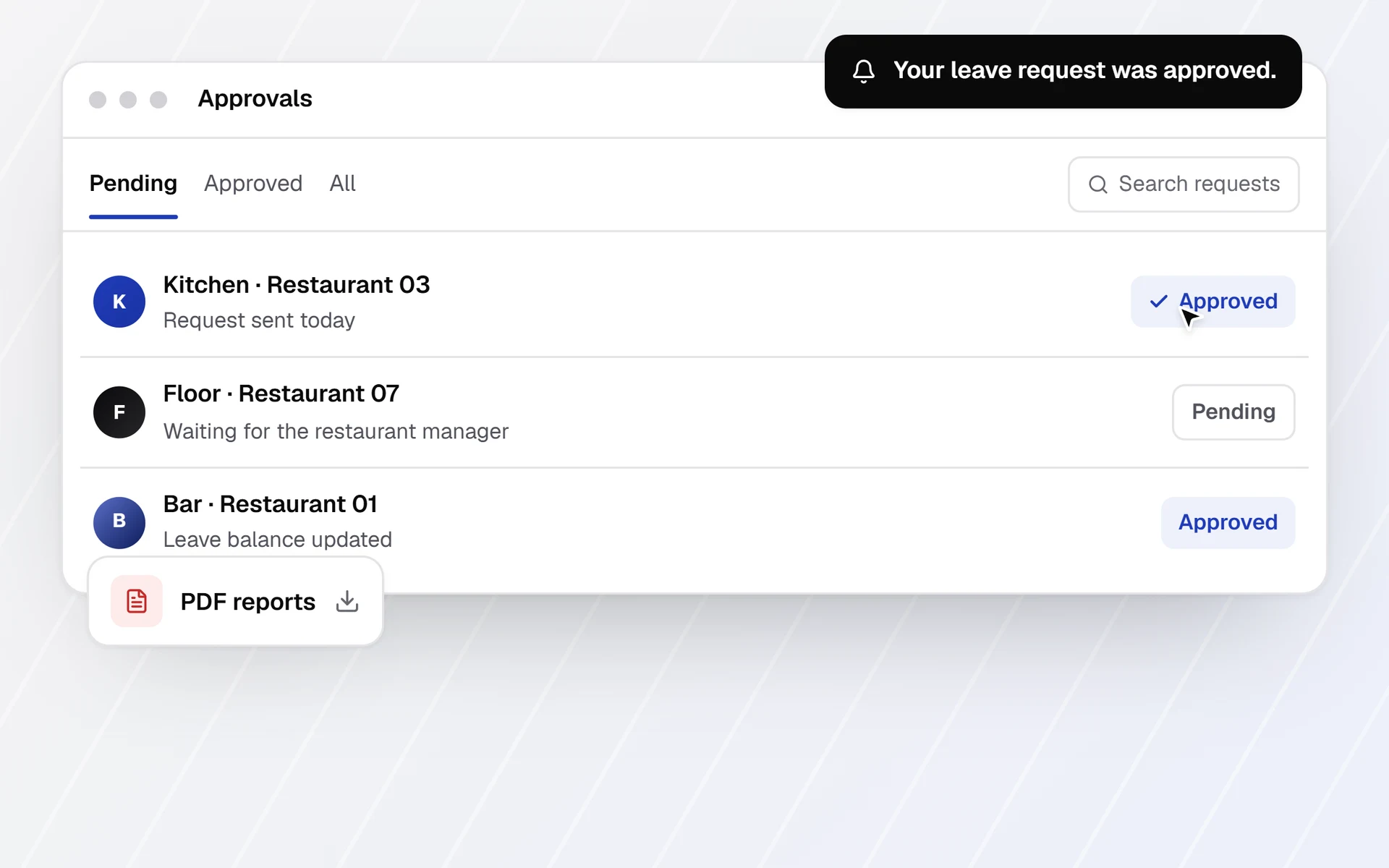
- Approvals inside the system. Every request has a status, an owner and a date. Approving takes one click, and the record stays with the request.
- Audit log. The system records who changed what, when, and the old value. When a number looks wrong, you see right away who changed it.
- PDF reports. Quotes, work orders and monthly reports are generated straight from the data. They look the same every time, with no retyping.
- Notifications. Whoever is next in line gets an email or an in-app notification. Nobody has to remember whose turn it is.
- Import from Excel and CSV. Existing data moves into the new database, so you don't start from scratch. Export to Excel can stay for spreadsheet analysis.
- Mobile access. Field technicians enter data on their phones, right on site. No more copying paper notes at the end of the day.
Roles and an audit log also help with the GDPR when you store personal data, such as salaries or customer contacts. Only people who need access get it, and every change is recorded.
Excel doesn't have to go away. Your team can still analyze data in spreadsheets, but the app becomes the source of truth.
Sometimes a spreadsheet is enough
A custom app is an investment. It requires a process description, development, training and maintenance. If a simpler tool can solve the problem, try that first.
An app usually does not pay off when:
- only one or two people work in the file;
- the process changes from week to week;
- all you need is shared access to the same file;
- an off-the-shelf tool covers your process without major changes.
Shared Excel in Microsoft 365
If the file is in OneDrive or SharePoint, several people can edit it at once. Microsoft calls this co-authoring. Version history lets you restore an earlier version. For a team that only needs a shared file, this is often enough.
Google Sheets
Google Sheets runs in the browser and supports simultaneous editing. It keeps version history and can protect individual sheets and cell ranges. For simple lists and logs, it is a good start.
An off-the-shelf SaaS tool
Ready-made tools exist for accounting, CRM, appointment booking and time tracking. If one of them covers your process, use it. A custom app makes sense when your process is specific or several existing systems need connecting.
Shared spreadsheets solve simultaneous editing and versions. They don't enforce process rules, such as a manager approving a purchase before the order goes out. If that is what you are missing, consider an app.
Getting started
Moving off Excel can happen in small steps. Start with a clear description of the process.
- Describe the process. Write down who enters data, who checks it, who approves and what comes out at the end. Existing spreadsheets and forms are good material.
- Start with one module. Pick the part that takes the most time today, such as work orders or purchasing. The rest follows in later phases.
- Import your existing data. Customers, products and history come over from Excel or CSV. Your team works with familiar data from day one.
- Work in phases with demos. After every phase, you see what is done and test it on the real link. Mistakes and change requests surface early, while they are still small.
This is how we do it. The intro call takes 30 minutes and is free. After it, you get a fixed quote split into phases.
Before development, you approve a clickable prototype and see how the app will work. After launch, we provide training and maintenance. You own the code.
More on how we build internal systems is on our Web applications page. To find out if your spreadsheet is ready for the switch, get in touch and book an intro call.