What is SaaS, and what does the path from idea to first user look like?
What SaaS is, how to validate the problem before writing code, what goes into an MVP, what every SaaS needs from day one and what to measure.
- Published
- Reading time
- 6 min read
- Category
- SaaS
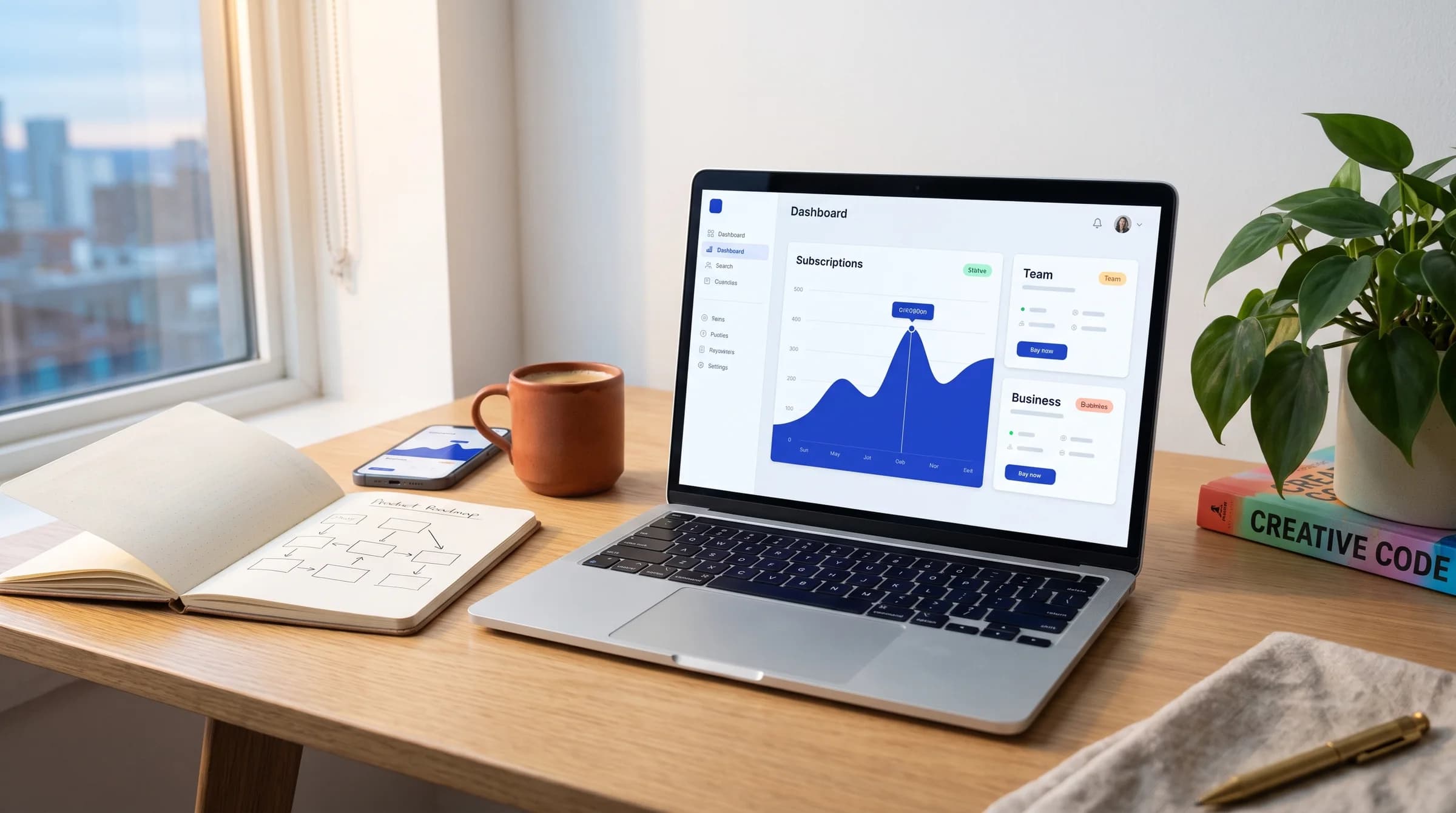
Many SaaS ideas start with a problem the founder knows well from their own work. This article walks through the steps from that idea to the first user. By the end, you will know what the first version needs and what to track after launch.
What SaaS means
SaaS stands for “software as a service.” Users don’t install anything on their computer. They open the app in a web browser and pay for a subscription, usually monthly or yearly.
The app is hosted on servers run by the company that built the product. That company handles updates, backups and servers, so users always work with the latest version.
A key trait of SaaS is that a single app serves many companies. Each company has its own account, its own users and its own data. Think of a booking tool used by several salons, where each salon sees only its own calendar.
Validate the problem first
The most expensive mistake is building a product nobody needs. That is why the first step is talking to people who would use it. Look for people in your target group, not friends who will support you out of politeness.
In these conversations, ask about their work and save your idea for the end. Find out how they handle the problem today and how much time it costs them. Also ask what they have already tried and why they gave up on it.
These are signs that the problem is real:
- people describe the problem on their own, without prompting;
- they already work around it, for example with Excel, paper or email;
- they pay for the current workaround with money or staff time;
- they agree to try the first version once it is ready.
If these signs are missing, it is better to find out now. At this stage, changing the idea costs only a few conversations.
MVP scope and prototype
An MVP (minimum viable product) is the smallest version of a product that early users can actually use. It solves one main problem for one group of users. Everything else goes on a list for later.
What goes into version one
- the core workflow that solves the problem, from start to finish;
- sign-up, login and subscription payment;
- basic company settings and inviting colleagues to the team;
- a simple way for users to report a bug or send a suggestion.
What can wait
- integrations with other tools, except the one the product can’t work without;
- detailed reports and charts;
- a native mobile app, if the web version works well on phones;
- advanced permissions, special plans and discounts.
One example is a time-tracking tool for construction companies. The MVP covers logging hours per job site and a monthly summary per worker. Payroll export and a phone app wait for the second phase.
Every feature in the MVP should trace back to something users said in those conversations.
Clickable prototype
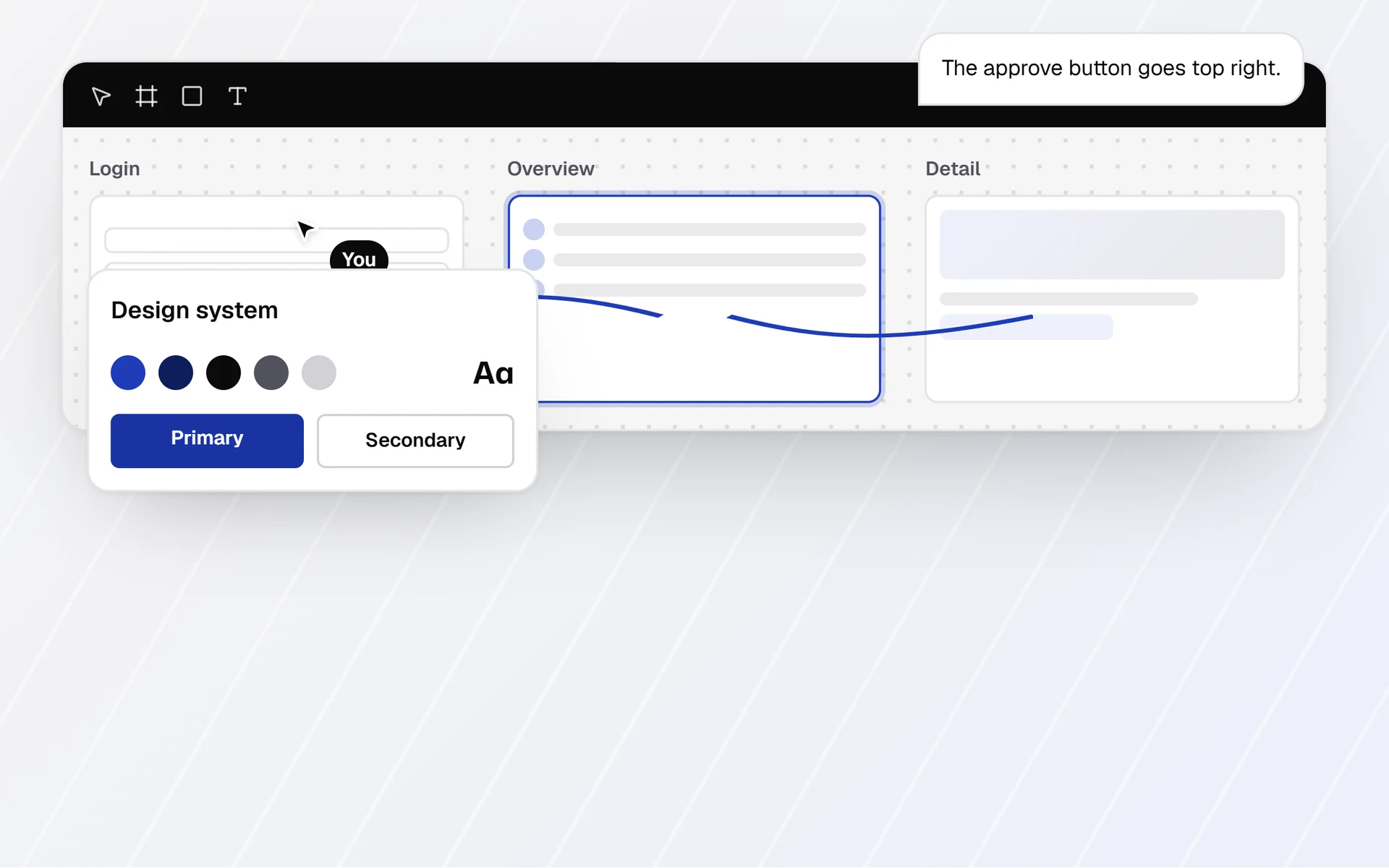
Before development starts, you build a clickable prototype. It consists of designed screens linked so you can click through them like a real app. There is no database or logic behind them.
Show the prototype to the same people you interviewed. Give them a task, such as “log your hours for yesterday,” and watch where they hesitate. Changing a screen in a prototype costs far less than changing finished code.
Foundations from day one
Every SaaS product needs these parts. They are hard to add later, so plan for them from the start.
- User accounts. Sign-up, login, password reset and email verification.
- Roles. The account owner manages the subscription and the users, while other team members work in the app.
- Separate data per company. Every record in the database belongs to one company, and the app checks access at every step. A mistake here lets one company see another’s data, which is a security and legal problem.
- Subscription billing. Plans, a trial period, invoices and cancellation. The payment provider stores card details, not your app.
- Admin panel. Your team sees companies, subscriptions and users in one place. Support requests get resolved without manual edits in the database.
- Email notifications. A welcome email, team invitations, invoices, a reminder before the trial ends and a failed-payment notice.
Legal essentials
A SaaS product processes other people’s data. Before your first user signs up, you need a few documents in place.
- Terms of service. They describe what the service includes, how billing and cancellation work, and who is liable for what.
- Privacy policy. It states what personal data you collect, for what purpose, how long you keep it and what rights users have.
- GDPR. The EU General Data Protection Regulation applies when you process personal data of people in the EU. This also covers companies outside the EU that offer their service to users in the EU.
- Data processing agreement (DPA). Your customers enter data about their employees or clients into your app. You process that data on their behalf, and Article 28 GDPR requires a contract for this.
The DPA describes what data you process, for what purpose and how you protect it. Customers also need to know which third-party services you use, such as hosting or email delivery.
Depending on where you sell, other privacy laws may apply alongside the GDPR. Have a lawyer who knows your target market review these documents. Your app should cover the technical side: accepting the terms at sign-up, exporting data and deleting accounts.
First users and metrics
A beta with a small group
You often already know your first users from the early conversations. Offer them beta access, with a clear agreement that you expect feedback.
Collect feedback regularly and in one place. Write down what users ask for, then identify the problem behind each request before you build anything.
What to measure
Track a few basic metrics from day one. Below are the definitions. The right target values depend on your product.
- Activation is the moment a new user first gets value from the product. You define that moment, for example the first hours logged. The activation rate is the share of new users who reach it.
- Retention is the share of users who still use the product after a set period since sign-up.
- Churn is the share of users or companies that cancel their subscription within a given period.
- MRR (monthly recurring revenue) is the sum of the monthly amounts of all active subscriptions.
Early on, the numbers are small, so each user carries a lot of weight. Read the conversations alongside the numbers. When someone cancels, ask for the reason and write it down.
Read more about how we work on our SaaS development and UI/UX design pages. The intro call takes 30 minutes and is free. After it, you get a fixed quote split into phases. Before development, you approve a clickable prototype. Each phase ends with a demo, and you test on a live link. You own the code. Get in touch to set up a first call.